Wallet and prepaid credit
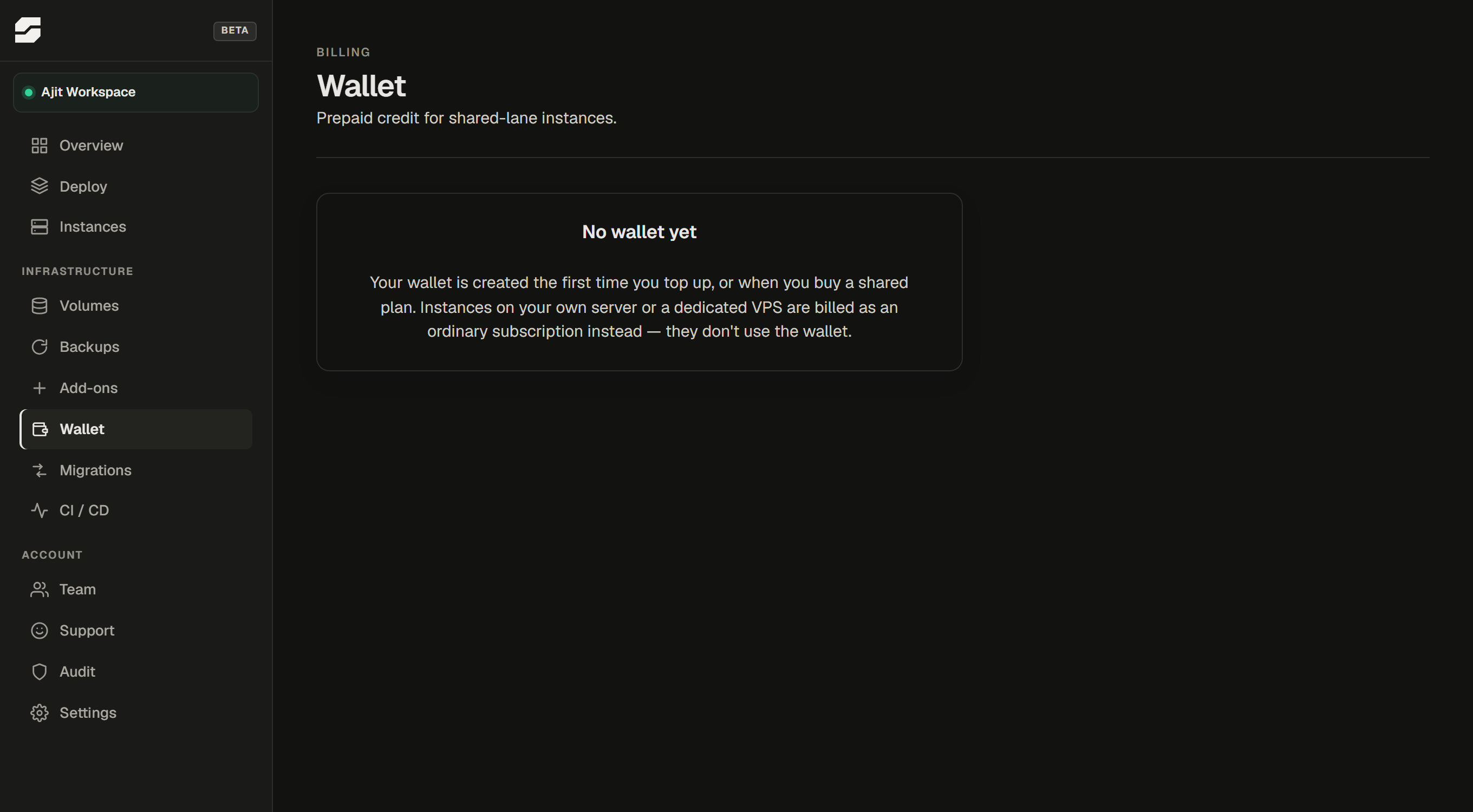
Shared instances are paid from a prepaid credit wallet, not from a monthly subscription charge. This is how SpliceRun keeps the card processing cost low enough for a $5 plan to exist - a $5/mo charge attracts a card fee that would leave very little of it.
Dedicated and BYOS instances use a standard monthly subscription, not the wallet.
How the wallet works
Your wallet holds a balance. Every day, a small charge is deducted for each active Shared instance you have. The dashboard shows:
- Your current balance
- The daily charge for your instance(s)
- How many days of runway that balance represents - this is the number to watch, not the balance itself
When the balance reaches zero, your instance is suspended until you top it up.
Welcome credit
Every new SpliceRun account receives $10 in wallet credit automatically - no code required. This credit covers your first two months on Shared XS, so you can evaluate the service without paying immediately.
Topping up
Go to Wallet in the left sidebar and click Top up.
- Minimum top-up: $10
- Suggested top-up: $25
The minimum gets you roughly two months on Shared XS. The suggested amount keeps you comfortable for four to five months.
Volume bonuses
Larger top-ups earn free bonus credit:
| Top-up amount | Bonus |
|---|---|
| $50 or more | +3% |
| $100 or more | +5% |
The bonus is added immediately when the payment is confirmed.
Low-balance warning
When your balance drops below 7 days of runway, the dashboard shows a warning. Top up before it reaches zero to avoid a service interruption.
What happens when the balance runs out
Your instance is suspended - the app process is stopped, but your data is kept. Nothing is deleted. Top up the wallet and the instance resumes automatically, usually within a few minutes.
Your data is held for the same period as a cancelled subscription - see Cancellation and data policy.
Auto top-up
The wallet can be set to refill automatically when the balance drops below the low threshold ($10). When auto top-up is enabled, the configured amount is charged to your payment method without further action from you.
This is off by default. Enable it in the Wallet page if you do not want to manage top-ups manually.
Checking transaction history
The Wallet page lists every debit and credit: daily charges, top-ups, bonuses, refunds, and any manual adjustments. The transaction log is the authoritative record - it is the same data used to calculate your invoice if you request one.